Verified in a Week: Google Business Profile for Small Businesses
Verified in a Week: Google Business Profile for Small Businesses

Sign in with a Google Account, then go to business.google.com/add and search for your business name before creating anything new. Enter your business name, pick the most accurate category, choose storefront or service-area, add your phone number and website, and save. Google then walks you through verification, which is the last step before your profile goes live on Search and Maps.
TL;DR:
- Verifying a Google Business Profile depends on region and existing public info, with postcard mailings being the default method for storefronts.
- Using a dedicated business email and matching the exact legal business name enhances control and avoids issues if staff change.
- Properly selecting the correct location type and avoiding duplicate profiles are essential to prevent ranking problems and policy violations.
- After verification, focus on completing core details, uploading photos, and regularly posting updates to improve search visibility and customer engagement.
- Managing multiple locations is best handled through Business Groups, with consistent information, controlled access, and quarterly audits to maintain profile accuracy.
How Do You Create a Google Business Profile Step by Step?
Start with a Google Account. If you don't have one for the business itself, create one now, and use a business email address rather than a personal Gmail account tied to one employee. This matters more than it sounds. If that employee leaves, you can lose access to the profile entirely.
Once you're signed in, here's the flow:
- Go to Business or search "add my business" on Google, then click the prompt that appears on Search or Maps.
- Search for your business name first. A listing may already exist, created automatically by Google or by a past customer. Claiming an existing listing is faster and safer than creating a duplicate.
- Enter your business name exactly as it appears on your signage and paperwork. Don't stuff keywords into it. Google's system flags that.
- Choose your primary category carefully. This single field affects which searches you show up for more than almost anything else on the profile.
- Decide storefront vs. service-area. If customers visit you, enter your real street address. If you drive to them (plumbers, landscapers, movers), select service-area business and define the zones you cover instead of showing a public address.
- Add your phone number, website, and hours. Skip nothing here if you can help it.
- Save your profile , then move into verification.
For businesses with more than one address, don't rush through this for every location individually. Set up the first one, get comfortable with the fields, then batch the rest, or move into a Business Group once several profiles exist.
A few small things trip up more owners than you'd expect:
- Using a nickname or slogan in the business name field instead of the legal operating name
- Selecting a broad category ("Store") when a specific one ("Plumber", "Women's Health Clinic") exists
- Leaving hours blank because they're "seasonal" or "it varies," which reads as inactive to Google
Pro Tip: Screenshot every field before you hit save. If verification takes a few days and something gets bumped or reset, you'll want a record of exactly what you entered.
What Does Verification Actually Unlock?
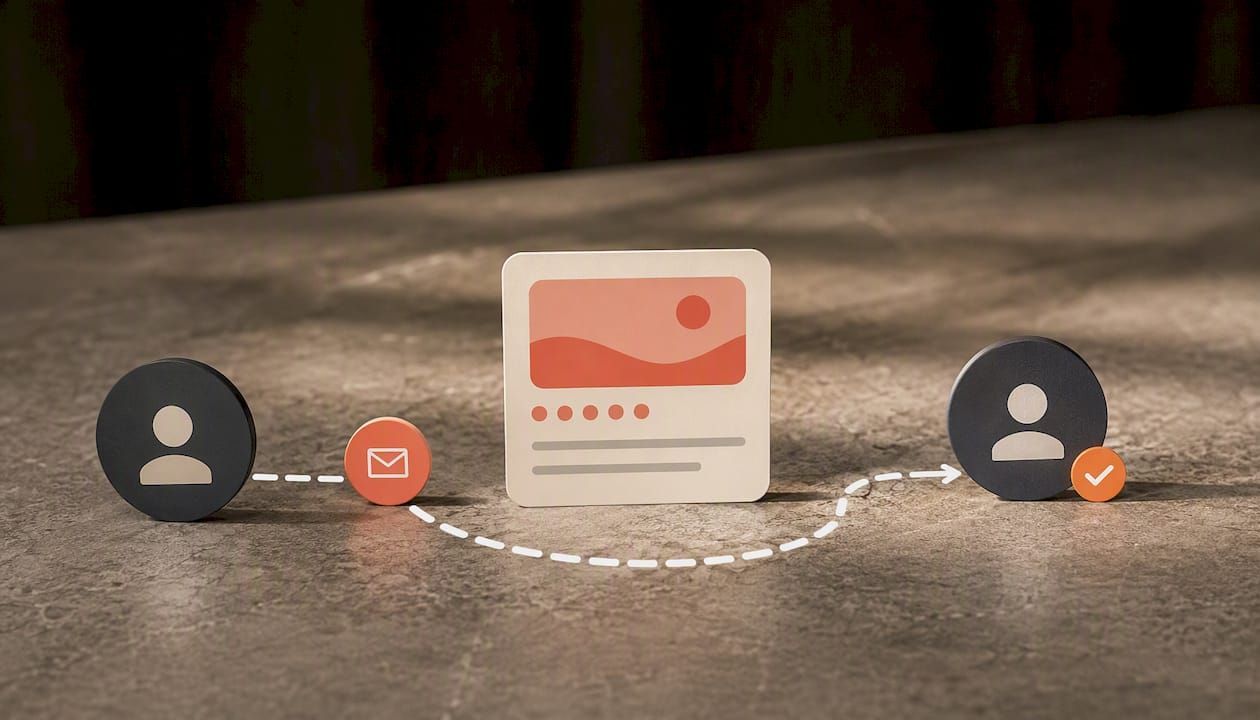
Verification confirms you're the real, authorized representative of the business, and until it's done, you can't edit business information, respond to reviews, or guarantee the listing displays correctly on Search and Maps. An unverified profile might exist, but you don't control it.
Google doesn't give every business the same verification path. The available methods include:
- Postcard with a PIN , mailed to your business address, usually the default for new storefronts
- Phone or SMS verification , faster when it's offered
- Email verification , common for businesses already showing some public trust signals
- Video verification , where you record your storefront, signage, and proof of operation
- Bulk verification , for chains verifying many locations at once
Which one you see depends on your business type, region, and how much public information already exists about you. You don't choose the method. Google decides based on what it can already confirm.
If someone else already verified your listing, perhaps a past owner, an old marketing vendor, or an employee who's no longer with you, you'll need to request ownership through the profile itself rather than starting fresh.
For troubleshooting: postcards that don't arrive within two weeks can be resent, but check your address formatting first, since a typo in a suite number is the most common cause. Missed verification calls usually mean the number on file doesn't match your working line. Failed video verification often comes down to unclear footage. Show your signage, a staff member, and the interior in the same take.
Pro Tip: If video verification is offered, take it. It's often faster than waiting on a postcard, and you control the timing.
Who Is Actually Eligible for a Business Profile?
Eligibility comes down to one thing: in-person interaction with customers. If people can walk into your location, or you travel to serve them, you generally qualify. Purely online businesses with no physical customer contact usually don't. You also don't need an LLC or any formal registration. Google checks for a real, verifiable presence, not legal paperwork.
Two mistakes cause most of the trouble owners run into:
- Duplicate profiles. Creating a second listing for the same business, maybe after a rebrand or a new manager didn't know one existed, splits your reviews and signals across two places and can trigger removal of both. If you offer multiple services, list them within one profile's Services section instead of building separate listings.
- Wrong location type. Entering a street address for a business that's really service-area only (or vice versa) confuses Google's ranking system and can misrepresent you to customers searching nearby.
Automated policy actions tend to hit profiles with inconsistent names, mismatched addresses across the web, or signs of stacked listings. Keep it simple: one business, one profile, one accurate location type.
How Do You Manage Multiple Locations Without Losing Control?
Running two locations off one personal login works until it doesn't. Once you're past two or three, set up a Business Group to organize locations and shared access under one structure instead of juggling logins between managers.
- Assign owner role only to whoever should have final control; give staff manager access for daily edits.
- Use Business Profile Manager for bulk updates, audits, and checking consistency across locations at once.
- Turn on 2-step verification on the primary account, since a compromised login on a multi-location profile is a much bigger problem than on a single storefront.
Pro Tip: Never let an outside vendor hold owner-level access. Managers can do everything day-to-day without the risk of losing the account if the relationship ends.
What Should You Optimize Right After Verification?
A verified profile that's half-filled out barely outperforms no profile at all. Here's the order that actually moves the needle:
- Lock down the core fields : exact business name, correct primary category, working phone number, live website link, accurate hours, and address or service area. Complete, accurate data is consistently what separates profiles that get found from ones that don't.
- Upload real photos. A cover photo, your logo, and shots of both the inside and outside. Follow Google's recommended sizes so images don't crop oddly on mobile.
- Publish Posts regularly. Promotions, updates, events. It's a small effort that keeps the profile looking active.
- List your services or products directly on the profile , not just in the description.
- Answer the Q&A section yourself before a stranger posts a wrong answer that sits there for months.
- Ask happy customers for reviews , and respond to every review you get, good or bad, following Google's review policies.
- Check Insights monthly. It shows what searches bring people to you and whether they call, visit, or click through.
None of this is complicated, but it's the part most owners skip after the initial setup rush. If you want a deeper walkthrough on the visibility side specifically, there's a full breakdown here.
Small Fixes That Make a Real Difference
The setup steps get a profile live. These are the details that determine whether it actually performs.
- Keep your NAP (name, address, phone) identical everywhere it appears online, your website, Yelp, Facebook. A mismatch between your website footer and your profile is one of the more common causes of stalled verification and shaky rankings.
- Use a business-owned Google Account from day one. We've seen owners lose access to a profile entirely because the original login belonged to a manager who quit.
- Photograph the business actually operating. A staffed counter during business hours, a truck mid-job, a full storefront, beats a stock-style empty shot every time.
- For multi-location operations, schedule a quarterly audit. Categories drift, services get added inconsistently, and one location ends up out of sync with the rest.
Pro Tip: Set a calendar reminder every 90 days to log in and check every field on every location, not just the ones you remember to update.
When Should You Handle This Yourself vs. Get Help?
A solo owner with one location can usually get verified and reasonably optimized within a week or two, and local visibility gains tend to show up over the following month or two as Google indexes the changes. Where it makes sense to bring in help is scale: multiple locations, staff turnover that keeps threatening account access, or simply not having the time to manage photos, posts, and reviews on a regular schedule. If your business runs on referrals and foot traffic, the setup itself isn't the hard part. Staying on top of it is.
— John
Let Amigolabz Handle Setup, Verification, and the Follow-Through
Amigolabz is the alternative to figuring this out alone or letting it sit half-finished. We handle the setup and verification process directly, manage your photos and Posts on an ongoing basis, build a review-response approach that doesn't sound copy-pasted, and keep multi-location profiles consistent instead of drifting apart over time.

If you're a business owner who wants this done correctly the first time, book a call or visit our Google Business optimization page to see what's included. The deliverable is straightforward: a fully verified profile and a written checklist of what's been optimized, so you know exactly where things stand. If you're also running paid traffic, Google Ads and Facebook Ads services pair naturally with a strong profile once it's live.
Where to Confirm These Steps Yourself
- Google Business Profile setup and verification documentation
- Business Groups guidance for multi-location owners
- Rank tracking through tools like the Gemini Rank Tracker once your profile is live
Sources
FAQ
Is Google My Business Free?
Yes. Creating, verifying, and maintaining a Business Profile costs nothing, and core features like Posts, photos, and Insights are included at no charge.
Do I Need an LLC to Set Up a Google Business Profile?
No. Eligibility depends on having verifiable in-person customer interaction, not on formal business registration or entity type.
Can I Have Multiple Businesses Under One Google Account?
Yes, and once you're managing more than a couple, Google recommends using a Business Group rather than juggling separate logins for each profile.
Can I Create a Google Business Account for Free?
Yes, the entire process, from account creation through verification, is free, and Amigolabz can also handle the setup and optimization for you if you'd rather hand it off.
What Happens if My Business Is Already Listed by Someone Else?
You'll need to request ownership through the existing listing instead of creating a new one. Building a duplicate profile violates Google's policies and can hurt both listings' visibility.
Recommended