Create a Small Business Logo in Under an Hour, Skip Trademark Risk
Create a Small Business Logo in Under an Hour, Skip Trademark Risk
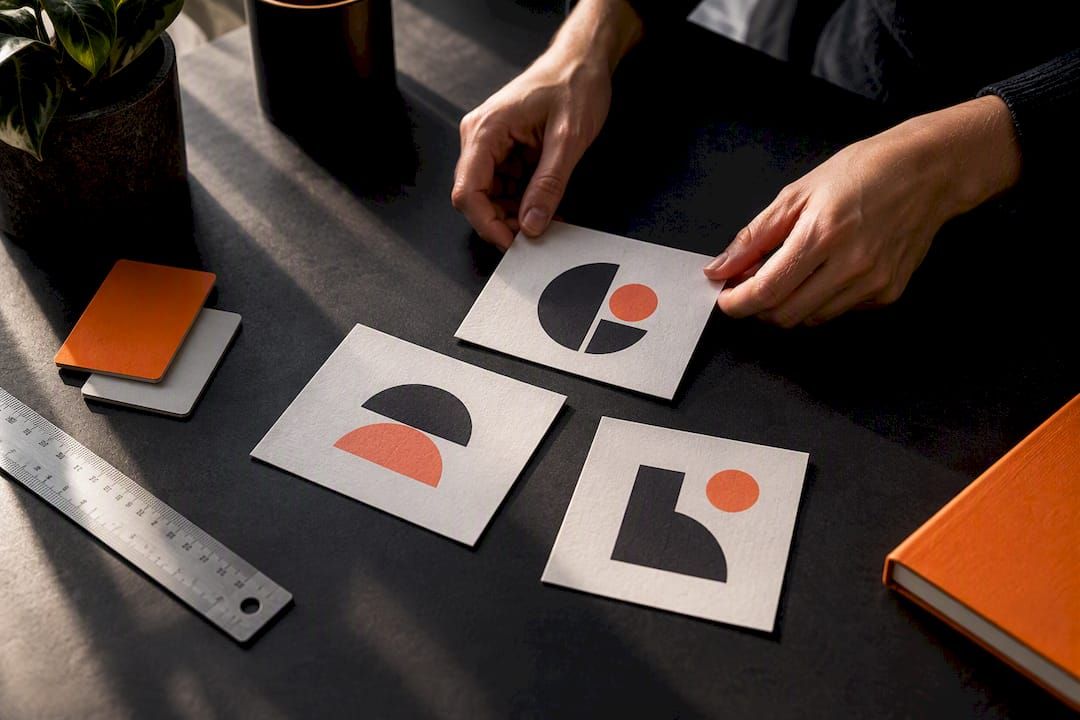
Use an online logo maker to build a usable logo in under an hour, then run it through quick legal and accessibility checks before you publish anywhere. Enter your business name, pick a template close to your brand personality, customize the type and icon, and export it. Amigolabz's own guide on designing a business logo that scales and USPTO trademark screening cover the two steps most owners skip.
TL;DR:
- Running a trademark search with the USPTO and checking domain availability are essential steps before finalizing your logo to avoid legal conflicts.
- Simplify icons, test legibility at small sizes, and ensure high contrast ratios, especially if the logo functions as an interactive element on your website.
- Export three logo formats—SVG, PNG, and PDF—and test visibility in grayscale, small sizes, and print to ensure versatility and durability across platforms.
- DIY logo tools are sufficient for early testing or temporary uses, but professional designers are recommended for full brand launches or legally sensitive projects.
- Costs vary from free tools to several hundred dollars for custom work, with higher budgets providing comprehensive brand kits, legal clearance, and source files.
How Do You Create a Logo for Your Business Step by Step?
Most online logo makers follow the same sequence, and knowing it ahead of time saves you from bouncing between five tools before landing on one.
- Set up the project. Type your business name and industry into the editor. Most tools ask you to pick a format upfront: stacked (icon above text), horizontal (icon beside text), or icon-only. Pick horizontal or stacked first. You'll need the icon-only version later for social avatars and favicons anyway.
- Generate and shortlist templates. The tool will spit out a grid of options. Resist the urge to pick the flashiest one. Shortlist two or three that actually fit how your business talks to customers. A pediatric dentist and a bail bondsman should not end up with similar-looking logos, even if the algorithm suggests it.
- Customize the details. Adjust the icon, swap fonts, tweak spacing, and set your colors. Favor simple geometry over decorative flourishes. A logo built from clean shapes survives shrinking, stretching, and printing far better than one loaded with fine detail.
- Build your variants. Before you export anything, create three versions: the full lockup (icon plus text), an icon-only mark, and a monochrome version. You will need all three eventually. Skipping this step now means reopening the editor in three months when your web developer asks for a favicon.
- Export the right files. Download an SVG for anything that needs to scale (signage, merchandise, print), a transparent PNG for websites and digital use, and a print-ready PDF if you're ordering business cards or signage.
Before you hit that final export button, run through this checklist:
- Does the logo stay legible when shrunk to 16 to 24 pixels?
- Does it still read clearly in pure grayscale, with no color to lean on?
- Does any text or button surrounding the logo on your site meet accessible contrast levels?
That last point matters more than most DIY guides admit. Your logo itself doesn't have to meet the standard text-contrast requirement, but if it doubles as a clickable link (say, in your website header), it needs at least 3:1 contrast against its background, according to Section508.
What Makes a Small-Business Logo Actually Work?
Design education boils down to three rules, and they hold up whether you're a plumber or a wellness studio: your logo needs to be appropriate for your audience, distinctive enough that it doesn't blur into ten competitors, and legible at a glance, even tiny.
Beyond those three rules, a few practical guidelines keep templates from looking like templates:
- Stick to one or two typefaces, max. A third font usually signals indecision, not creativity.
- Test your type choice at small sizes before you commit. A font that looks elegant at 72 points can turn into mush at 20 points.
- Pick one primary color and one accent. Colors carry emotional weight (blue reads trustworthy, red reads urgent), so choose with intention, not just taste.
- Keep any text or buttons near your logo within accessible contrast ratios, per Section508's color usage guidance.
- Favor simplified icons over detailed clipart. A mark with fine lines and shading will fall apart the moment someone prints it on a pen or shrinks it into a Instagram profile circle.
Pro Tip: Squint at your logo on your phone screen from across the room. If you can still tell what it is, you've probably nailed the legibility test.
How Do You Know a Logo Will Hold Up Everywhere?
A logo that looks sharp inside the design editor can fall apart the moment it leaves it. Run these tests before you call the project done:
- Shrink it down. Check it at 16x16 and 32x32 pixels (favicon size) and as a cropped circle avatar for social platforms.
- Strip the color. View it in grayscale and again as a single flat color. If the shape disappears, the design is leaning too hard on color to do the work that structure should be doing.
- Print it. Export a physical version if you plan to use it on cards, signs, or packaging. Screens forgive things paper doesn't.
TechRadar's testing breakdown of logo maker output makes a point worth repeating: a design that looks polished on a laptop screen often reveals cracks the moment you test it on a phone header, a browser tab, or a black-and-white printout. Most small-business owners only ever check the laptop view.
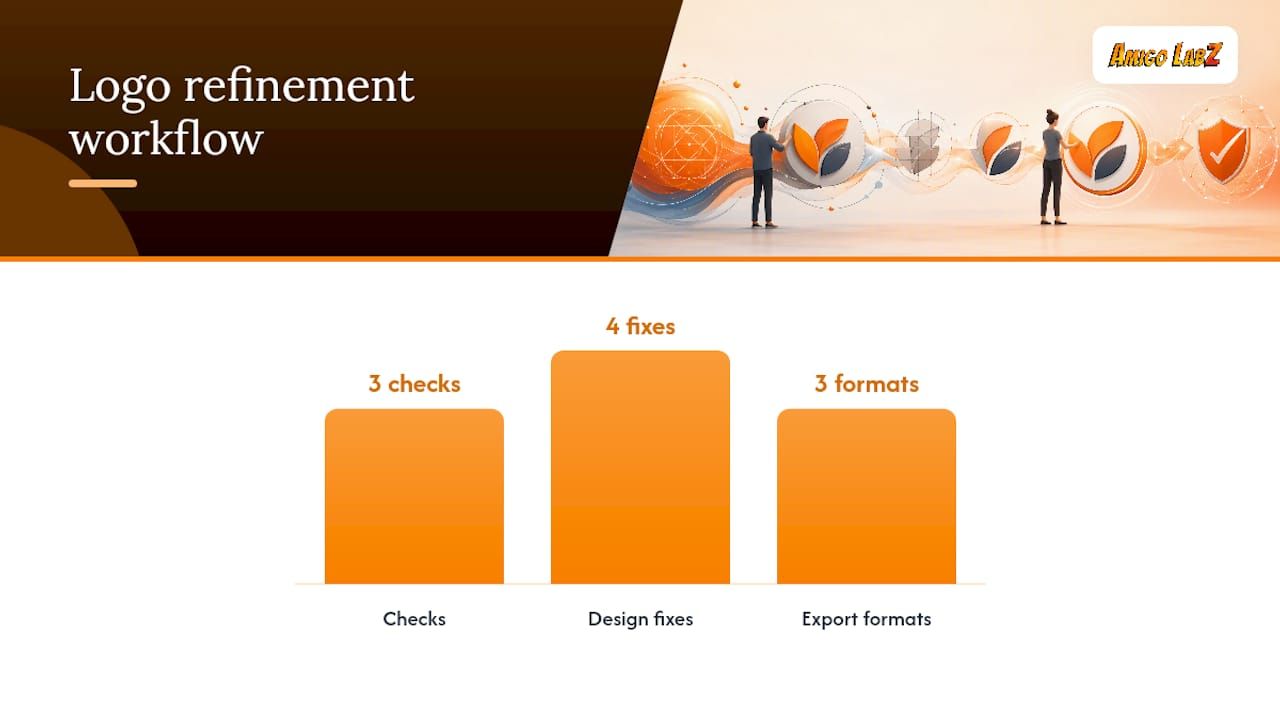
If something fails, the fixes are usually small. Simplify the icon, add breathing room between letters, thicken thin strokes, or push your color contrast higher. Export three formats when you're satisfied: SVG for anything that needs to scale, a transparent PNG for web use, and a PDF for printers.
Do You Need to Check for Trademark Conflicts?
Yes, and this is the step most template-based logo projects skip entirely. Downloading a slick mark from a generator doesn't mean nobody else has rights to something similar.
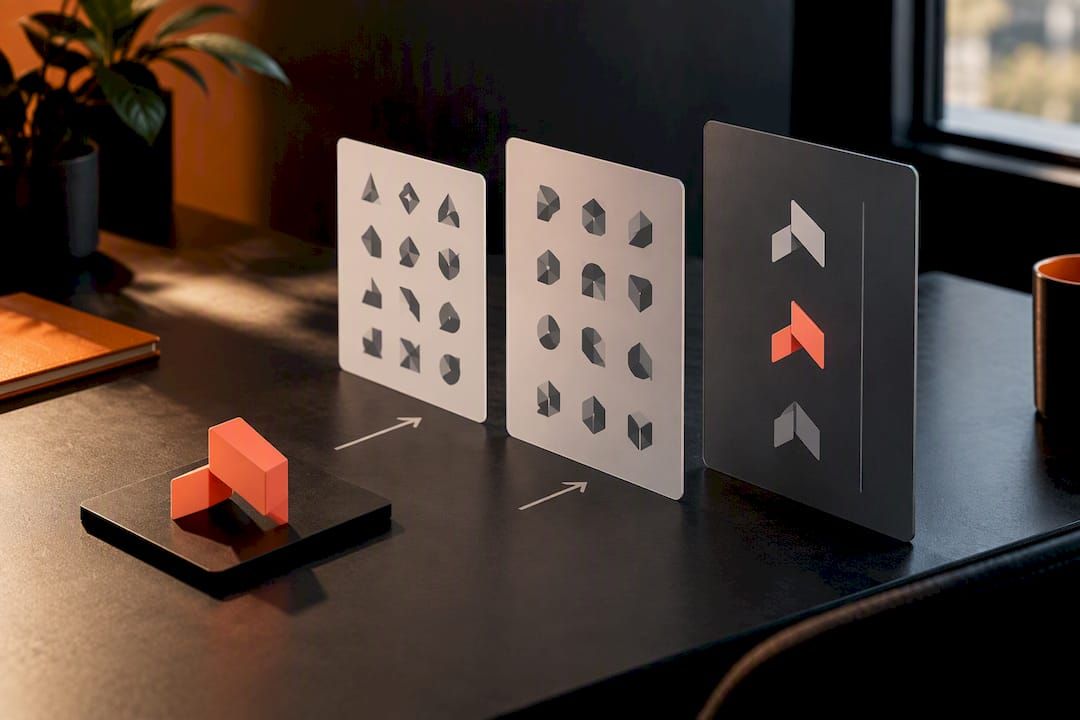
Start with a search on the USPTO's trademark database, using design search codes to check for visually similar marks, not just similar names. The USPTO is direct about this: a basic search is not a substitute for legal clearance.
From there:
- Search state trademark registries and general web searches for common-law use of similar names or marks.
- Check domain availability for your business name across the extensions you'd actually use.
- Confirm your logo maker's license terms cover commercial use and don't restrict trademark registration. Templates, icons, and fonts each carry their own licensing rules, and downloading a file doesn't automatically hand you unrestricted rights to it.
The USPTO recommends a comprehensive clearance search covering federal records, the Trademark Official Gazette, state registries, and domain checks. If you're planning national distribution, retail packaging, or anything with real legal exposure, hire a trademark attorney before you print a single business card.
What Should You Expect to Pay for a Logo?
Costs run on a spectrum, and where you land depends on how permanent this logo needs to be.
- Free DIY tools get you a usable mark for zero dollars, with real limits on customization and licensing.
- Low-cost paid templates through logo makers typically run in the tens of dollars, often with better export options and license clarity.
- Freelance designers commonly charge in the $300 to $700 range for custom vector artwork built from scratch.
- Agencies charge more, but the fee usually buys a full brand kit, IP clearance support, and a complete set of source files.
Before deciding, ask yourself three questions: What's the budget? How long does this brand need to last? And how big is the distribution, meaning does a conflict actually carry legal risk? If you hire a professional, always request the source files (SVG or AI), documented color specs, a written usage rights agreement, and a one-page brand guide.
When Is DIY Enough, and When Should You Hire Help?
DIY logo tools do their job well for early testing, temporary pop-ups, or when the budget genuinely can't stretch further right now. If you're validating a business idea before committing to a real launch, a clean template-built mark is completely fine.
Clients are advised to hire professionals for full rebrands, multi-channel launches where the logo has to work across print, web, and signage simultaneously, or any project with real IP exposure. Our own breakdown on when $500 beats free logo tools digs into that math further, and the reasoning John lays out there still holds: the cost of a redo almost always exceeds the cost of getting it right the first time.
— John
Ready to Launch Your New Logo the Right Way?
An alternative to hiring separate freelancers for your logo, website, and social rollout is to work with a single provider who builds all three together, ensuring your new brand looks consistent the moment it goes live instead of getting patched together piece by piece.

Once your logo is finalized, whether you built it yourself or brought in a designer, the real work is getting it in front of customers. Our website design service handles the full handoff: we integrate your new brand assets into a site built to convert, and we can extend that into social media management so your logo shows up consistently across every platform from day one. On the production side, teams like Qoode show what a full technical handoff should look like when assets need to work across multiple platforms.
Booking a call gets you a short discovery conversation, a clear scope of what needs building, a realistic timeline, and a list of deliverables before anything is signed. Book a call with Amigolabz and get your brand launch mapped out this week.
Sources
FAQ
How Do I Create a Logo for My Small Business?
Use an online logo maker: enter your business name, choose a template, customize the icon and fonts, then export SVG, PNG, and PDF versions. Run a quick USPTO trademark search and a grayscale legibility test before publishing anywhere.
Can I Create My Own Logo for Free?
Yes, most online logo makers offer a free tier that lets you design and preview a logo at no cost, though export quality and licensing terms vary by platform. Always confirm the free plan's license actually covers commercial use before putting the logo on packaging or paid ads.
What Are the Three Golden Rules of Logo Design?
A strong logo is appropriate for its audience, distinctive enough to stand apart from competitors, and legible even at a small size. These three principles guide every decision from font choice to icon complexity.
How Much Does It Cost to Get a Logo Designed?
Costs range from free DIY tools to $300 to $700 for freelance custom design, with agency packages running higher depending on what's included. Agency pricing typically covers a full brand kit and source files, not just the mark itself. Amigolabz's own web design and brand launch pricing is available by booking a call.
Recommended